



Mobile Ordering App

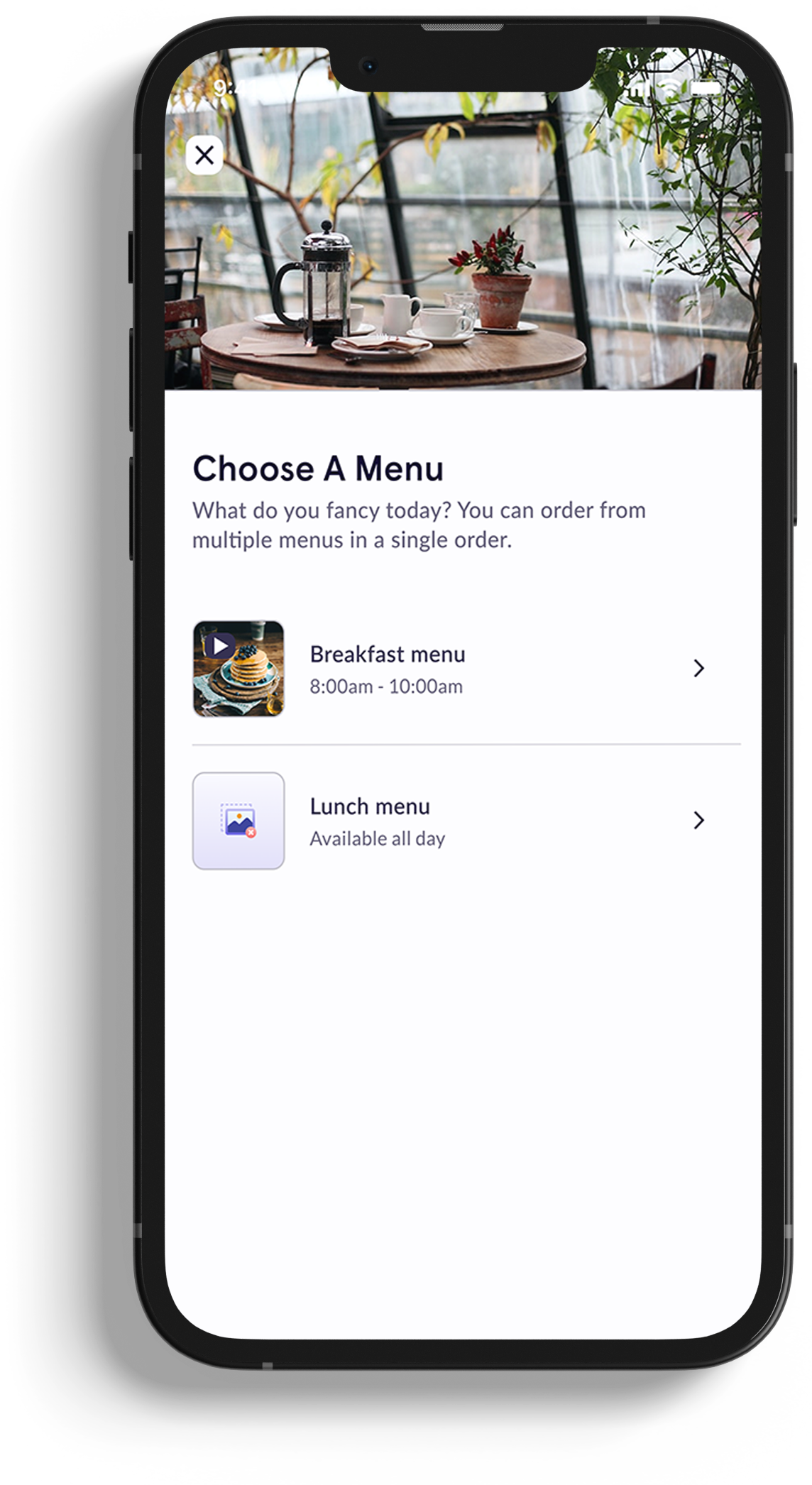
A mobile app allowing retail / F&B outlets to capture customer orders via web, app & QR codes.

Deployed Across

  • Singapore
  • Malaysia
  • Australia
Role
UI design, UX research, prototyping, userflows, design system & documentation.
Tools
Figma, Illustrator, Maze (user testing), Github & Nuclino.

Orders placed

1+ mil1+ million

Users

100k+

1.

Summary

YQueue’s mobile ordering app is a retail and F&B ordering application that allows users to place dine in, take away, delivery and retail orders. I led the UI/UX of the product, performing a competitor analysis of players like UberEats and GrabFood.

Every change was prototyped and validated through user testing and reviewed with C-level, engineering, and stakeholders before rollout. Due to this, item customisation time fell 15.7% (27.5 seconds > 23.18).

2.

About the Product

Comparing our existing and proposed features against competitors was more challenging than initially anticipated. While the intended user outcome is similar to other platforms, the customer journey and merchant requirements are fundamentally different. Unlike aggregator-based platforms that manage delivery, we provide a more in-store focused solution and give merchants significantly more control over how the platform operates. This allows merchants to manage delivery themselves or through their preferred delivery partner, rather than relying on a standardised fulfilment model.

After the initial version was developed (base designs provided by a subcontractor), I was tasked with performing a redesign to refine the UI, address usability issues, and introduce new features that improved the overall user experience.

Various tests were performed, including with our C-level management, development and the sales team throughout each design process.

Comparing our existing and proposed features against competitors was more challenging than initially anticipated. While the intended user outcome is similar to other platforms, the customer journey and merchant requirements are fundamentally different. Unlike aggregator-based platforms that manage delivery, we provide a more in-store focused solution and give merchants significantly more control over how the platform operates. This allows merchants to manage delivery themselves or through their preferred delivery partner, rather than relying on a standardised fulfilment model.

After the initial version was developed (base designs provided by a subcontractor), I was tasked with performing a redesign to refine the UI, address usability issues, and introduce new features that improved the overall user experience.

Various tests were performed, including with our C-level management, development and the sales team throughout each design process.

3.

Features

4.

Research

A baseline was set for all research by testing the same flows, then testing again with the new changes.

Required Modifiers

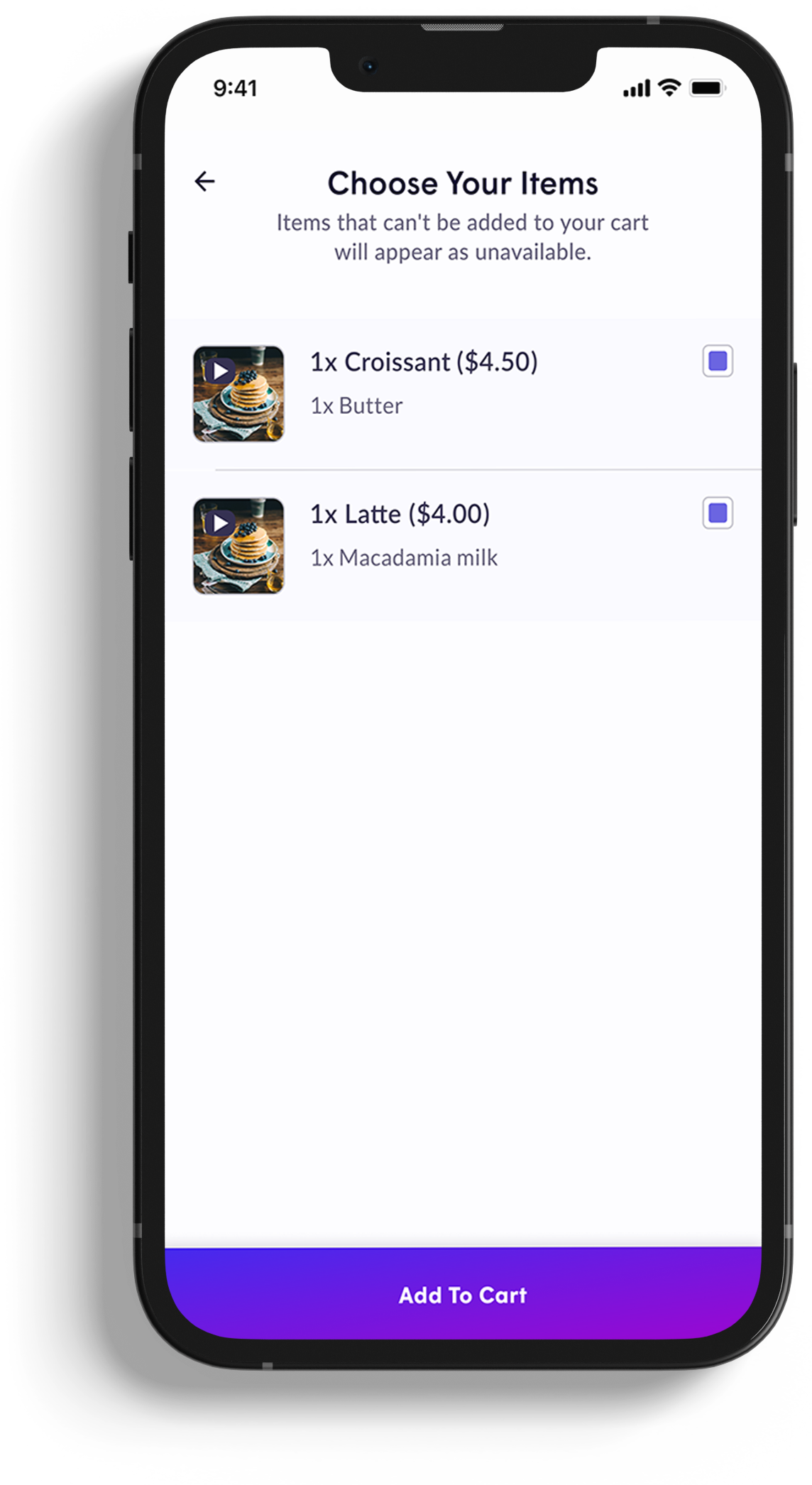
Many items require the user to select modifiers as part of the ordering workflow, such as choosing a type of milk for a latte. For simpler items like beverages, this is relatively self-explanatory and requires minimal visual guidance. However, these modifications can quickly become overwhelming for more complex items such as pizzas, noodles, or burgers.

Proposed options:

  • Clearly indicate whether a modifier group is required or optional
  • Provide a visual cue that the “Add to Cart” CTA button is unavailable until all required modifier groups are completed
  • Automatically scroll users to incomplete sections if they attempt to continue without finishing all required selections
  • Display a state for missing modifiers
  • Minimise the amount of modifiers as much as possible

Testing confirmed an overall improvement in completion time, but also revealed that we would need to reduce cognitive load per screen. While removing modifiers isn't realistic from a stakeholder or business standpoint, I recommended separating upsells and bundles/meals so users aren't processing everything at once.

I then had to validate these findings further by running in-person interviews to understand the reasoning behind users behaviour, and A/B testing individual changes to isolate which interventions actually drove the improvement.
5.

Final designs

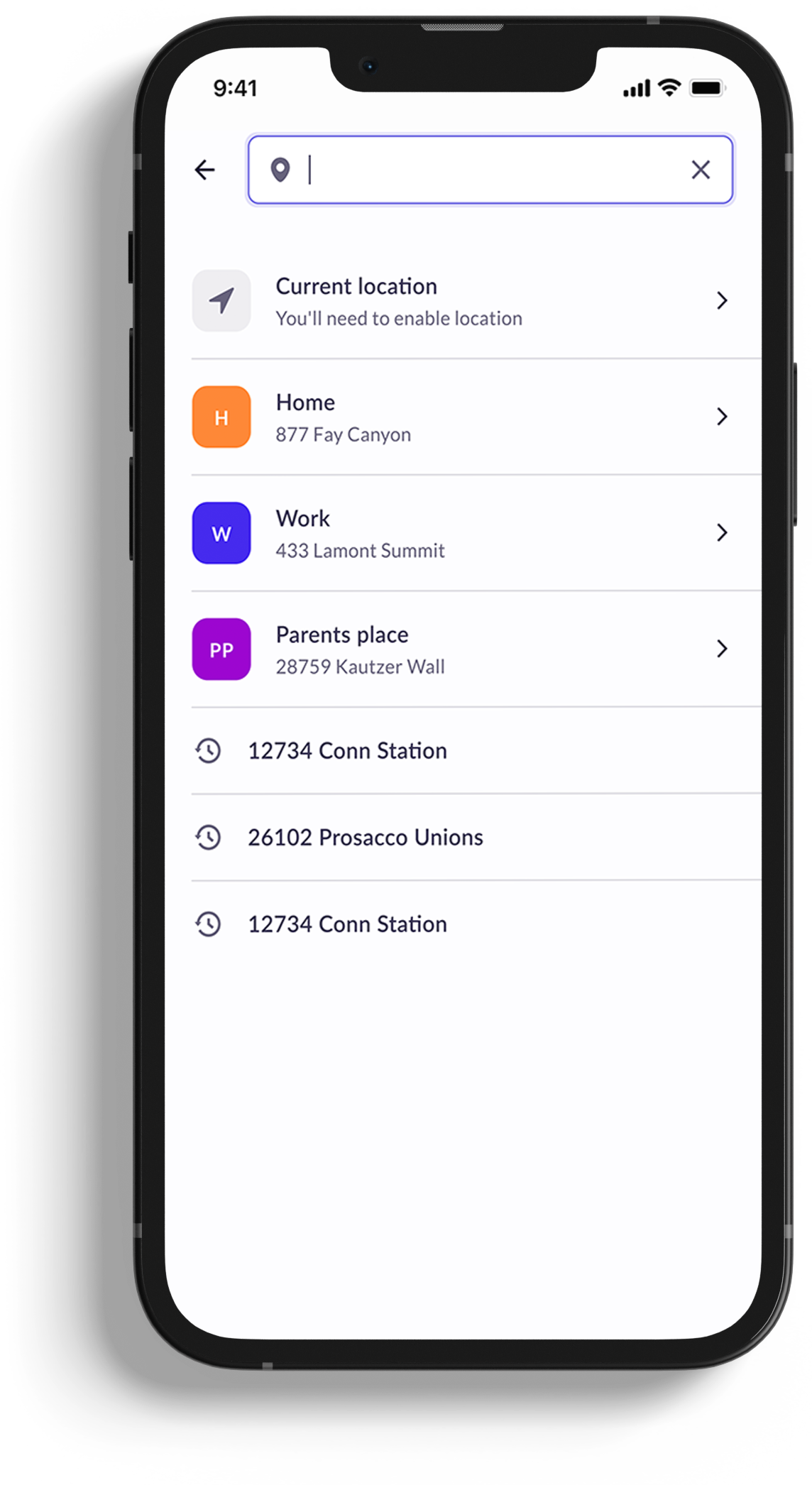
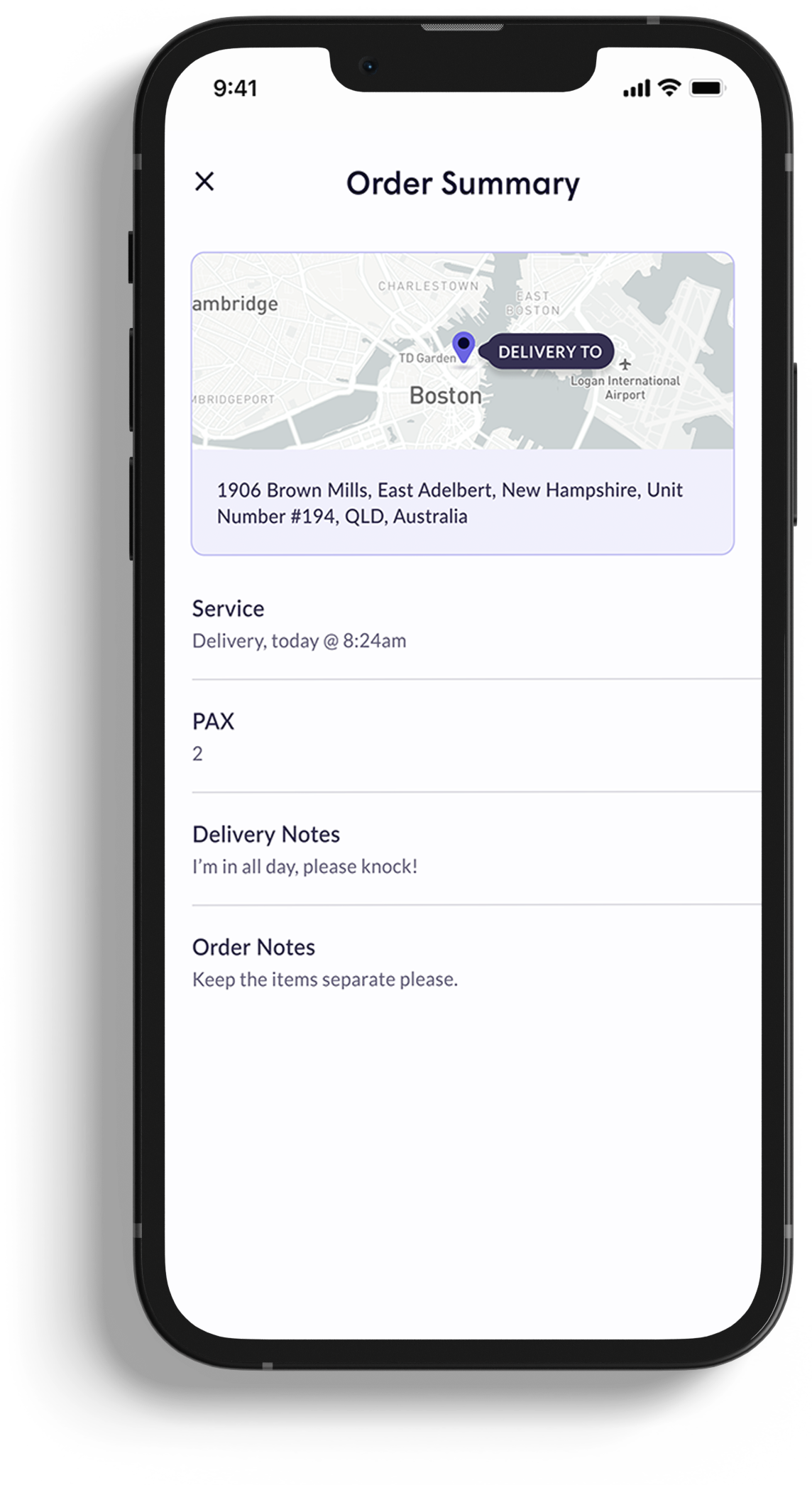
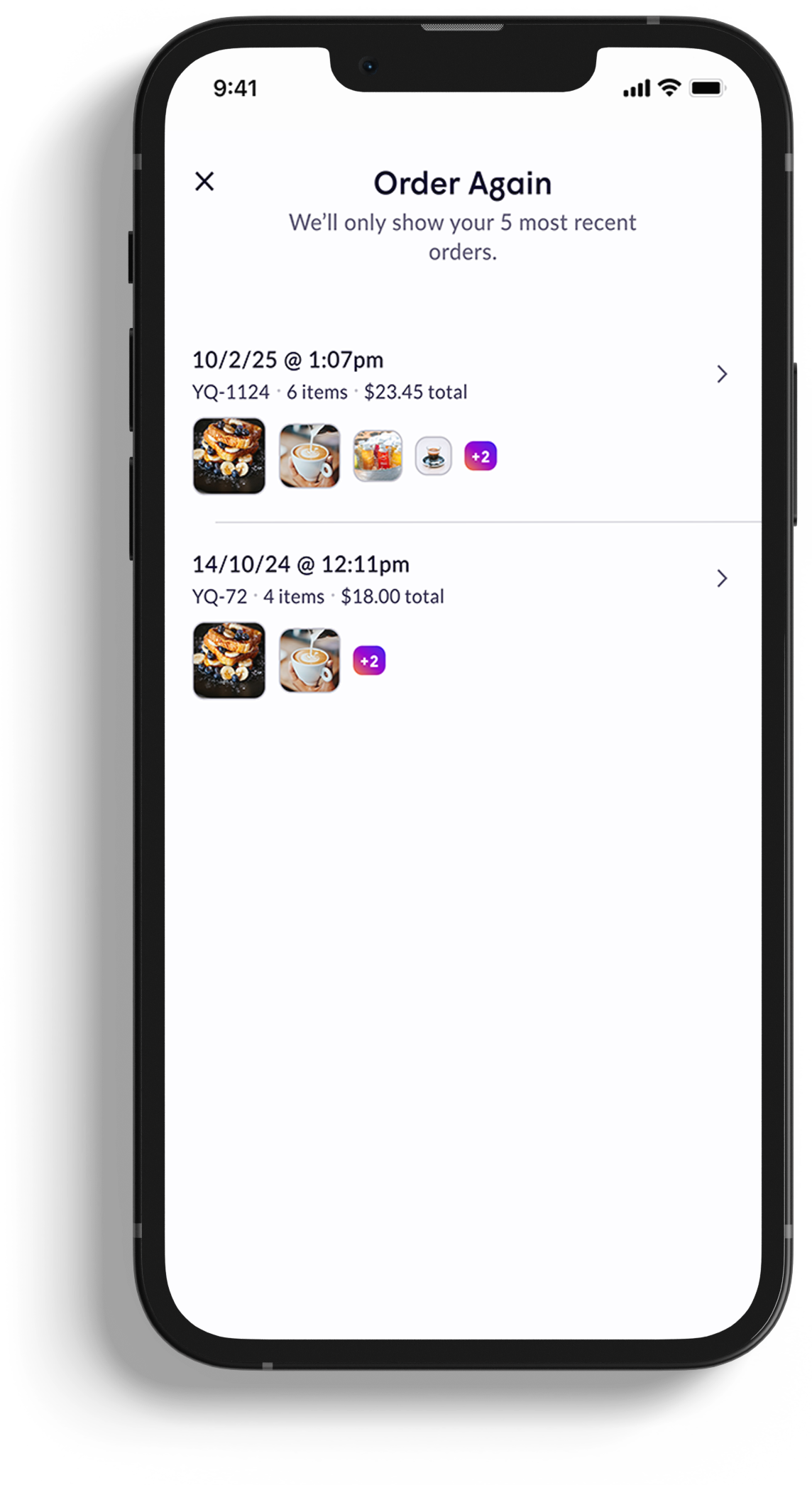
Mobile ordering Address search screen

1/23

Other Products

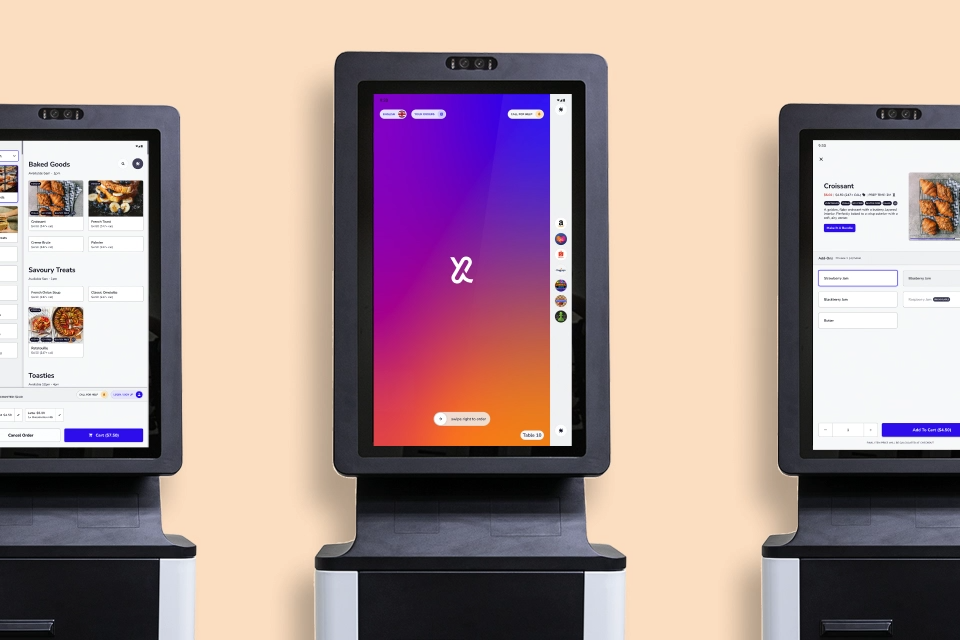
Three self-service kiosks showing ordering screens
RetailF&BFood & BeverageV3

Live Since January 2021

iOS / AndroidiOS / Android App

Kiosk Ordering App

A Kiosk app allowing retail / F&B outlets to capture customer orders from standing or table kiosks.

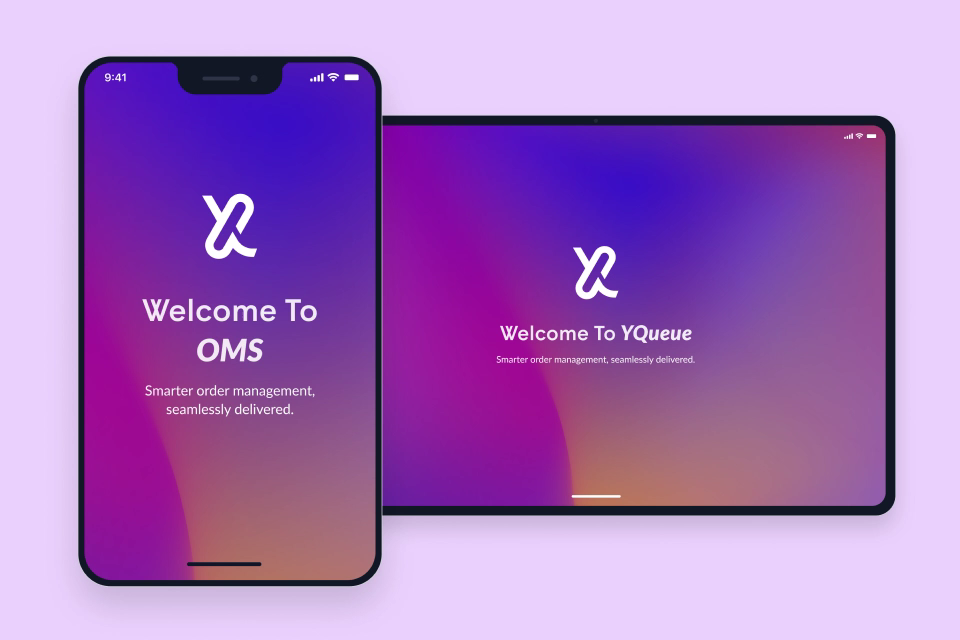
Tablet and mobile devices showing order management screens
RetailF&BFood & BeverageV4

Live Since 2020 - Present

iOS / AndroidiOS / Android

OMS

Real-time order receiving and management for front-of-house.

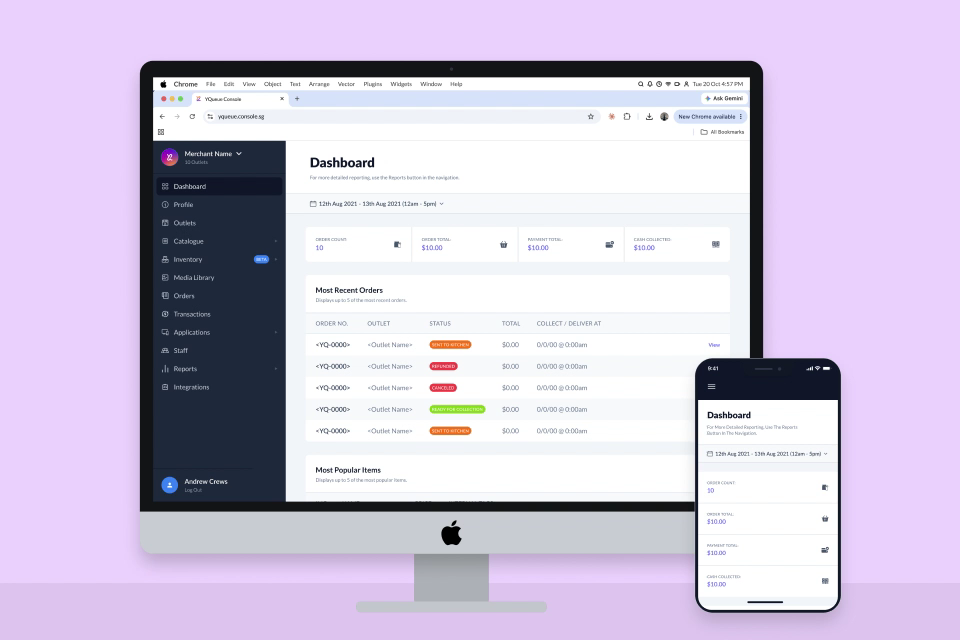
Desktop and mobile devices showing the Merchant Console dashboard
RetailF&BFood & BeverageV2

Live Since 2017 - Present

Web-BasedWeb-Based

Merchant Console

Fine-grained control of app settings, integrations (including payment gateways) and profiles.

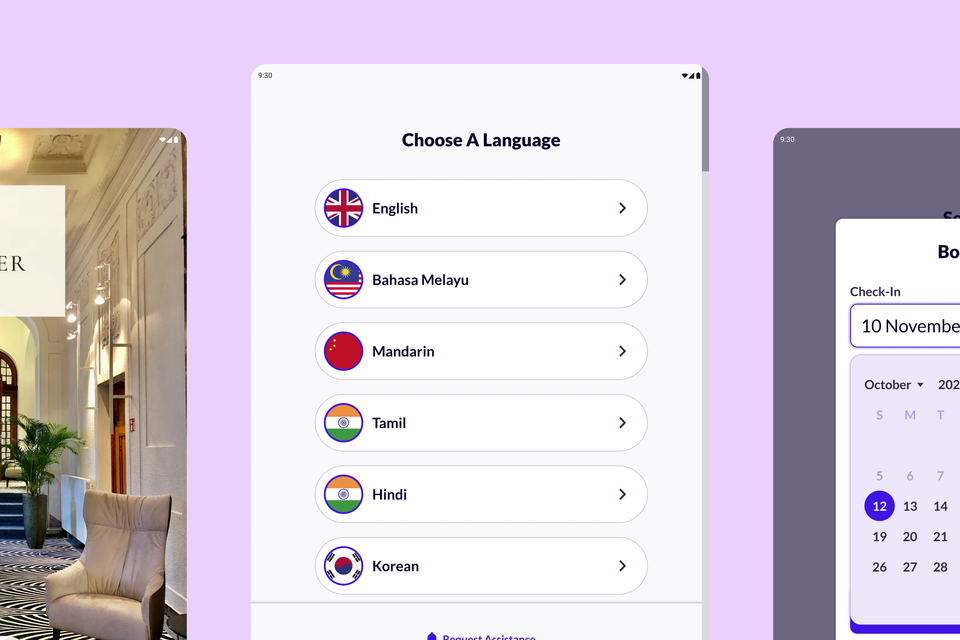
Hotel Kiosk screens showing check-in, language selection and booking details
Check-InCheck-OutV1

Live Since 2025 - Present

iOS / AndroidiOS / Android

Hotel Kiosk

Self-service check-in and check-out, stay extensions, room key collection and payments.